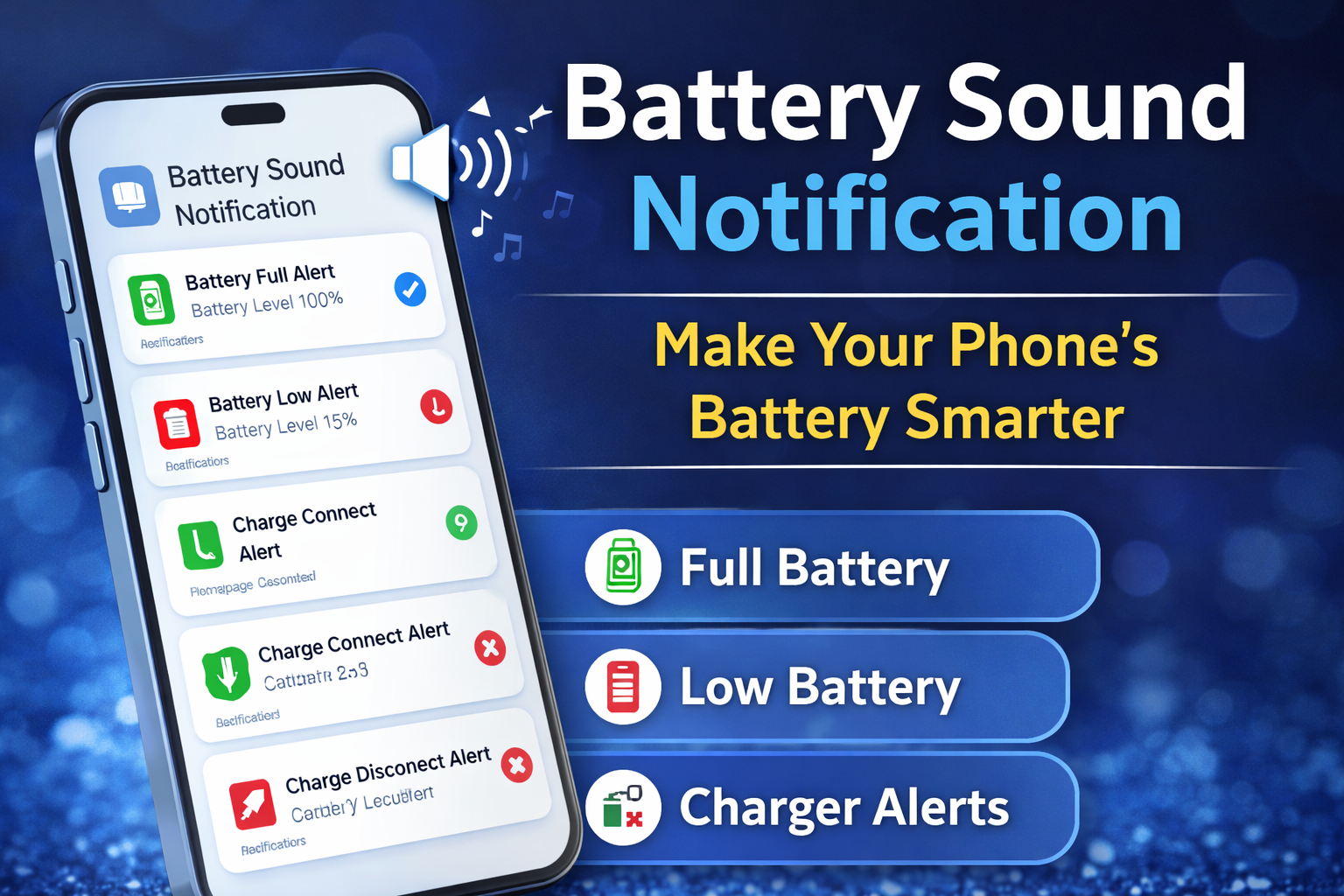
Battery Sound Notification app helps you set custom alerts for full charge, low battery, and charger events. Improve battery health easily.
Smartphones are an essential part of our daily routine, but many users still struggle with managing battery health. Forgetting to unplug the charger at 100% or missing low battery alerts can reduce battery lifespan over time.
That’s where Battery Sound Notification becomes a smart and practical solution.
In this detailed review, we’ll explore how Battery Sound Notification works, its features, benefits, and why it’s useful for Android users in 2026.
🔋 What is Battery Sound Notification?
Battery Sound Notification is a lightweight Android app that allows users to set custom sound alerts for battery events. Instead of repeatedly checking your screen, the app automatically plays a sound whenever a specific battery status is triggered.
You can customize alerts for:
Battery Fully Charged (100%)
Low Battery Level
Charger Connected
Charger Disconnected
This makes battery monitoring easier and more efficient.
⭐ Key Features of Battery Sound Notification
1️⃣ Full Battery Alert
Once your battery reaches 100%, the app instantly plays a sound alert. This helps you unplug your device quickly and avoid unnecessary overcharging.
2️⃣ Low Battery Warning
Set a custom low battery alert to remind you to charge your phone before it shuts down. You can choose the exact percentage level for the notification.
3️⃣ Charger Connected & Disconnected Alerts
The app notifies you when:
Charger is plugged in
Charger is removed
This adds extra control over your charging activity.
4️⃣ Custom Audio Support
You can select:
Your favorite ringtone
Custom MP3 file
Any stored audio
This gives you full personalization options.
5️⃣ Simple & Clean Interface
Battery Sound Notification features a clean, user-friendly design. Even beginners can configure alerts within minutes.
🚀 Why Battery Sound Notification is Useful
Keeping your device plugged in long after reaching 100% may affect battery health in the long run. While modern smartphones have protection systems, controlled charging habits always help extend battery performance.
Battery Sound Notification is ideal for users who:
✔ Want better battery management
✔ Care about long-term battery health
✔ Prefer sound alerts over visual notifications
✔ Want a lightweight battery monitoring app
If you are interested in more smart Android tools, check our detailed guide on:
👉 AI Tools for Content Creators in 2026
AI Tools for Content Creators in 2026 (Top Free & Paid Picks)
📲 How to Use Battery Sound Notification
Using the app is very simple:
Download and install Battery Sound Notification from the Google Play Store.
Grant required permissions (Notification & Background Access).
Select the battery event you want to customize.
Choose your preferred sound file.
Activate the service and let it run in the background.
The app will now notify you automatically based on your settings.
🔎 Pros & Cons
✅ Pros
Lightweight & fast
Easy setup
Custom sound support
Helps improve charging habits
❌ Cons
Requires background permission
Depends on system notification access
🏁 Final Verdict – Is It Worth Installing?
If you want smarter battery control and better charging awareness, Battery Sound Notification is a practical Android tool worth installing.
It’s simple, effective, and does exactly what it promises — without draining extra battery or slowing down your device.
For Android users who value battery health and charging discipline, this app is a helpful addition.